

GroveWhen you're setting up a network—whether it's a home install, office fit-out, or full rack build—patch leads are one of the most important (and most overlooked) components.
Choose the wrong one, and you could end up with slow speeds, interference, or constant dropouts. Choose the right one, and your network just works.
Here’s what you need to know.
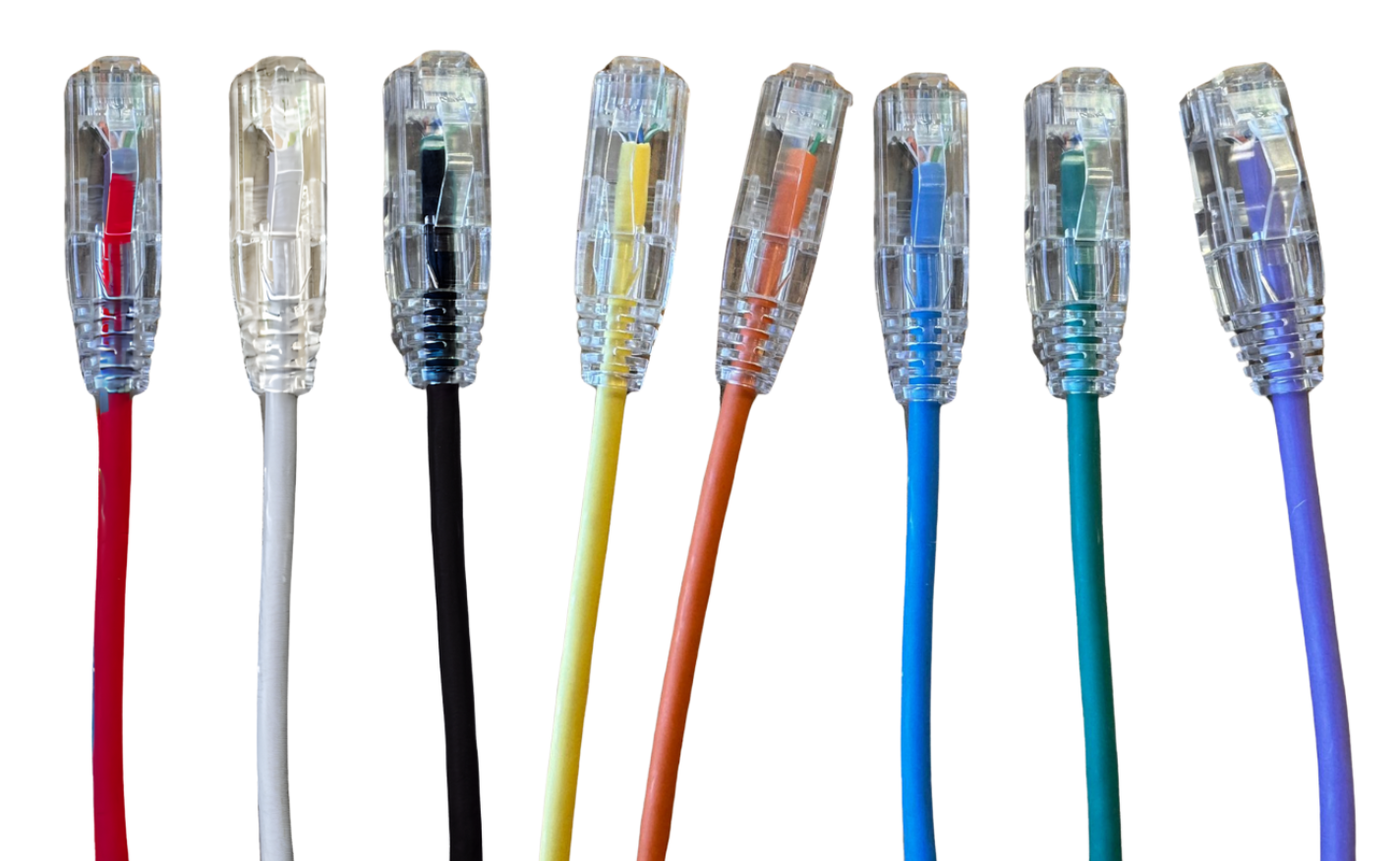
What is a Patch Lead?
A patch lead is a short, pre-terminated cable used to connect devices in a network.
You’ll use them for:
- Patch panel → switch connections
- Wall outlet → device connections
- Router → modem links
- Rack and cabinet setups
They’re designed for flexibility, quick installs, and easy changes—especially in structured cabling systems.
Types of Patch Leads
Ethernet (Copper) Patch Leads
Your go-to for most installs.
- Cat6 – The standard for most modern installs
-
Cat6A – Best for high-speed & future-proofing
Slimline Patch Leads
- Smaller diameter
- Better airflow
- Cleaner cable management
👉 Shop now:
💡 Installer tip: If you're quoting jobs today, go Cat6 minimum—Cat6A where possible.
Fibre Patch Leads
Used when speed and distance matter.
- Singlemode (OS1/OS2) – Long runs
- Multimode (OM3/OM4) – High-speed short runs
👉 Shop now:
💡 Best for: Data centres, comms rooms, backbone links
Shielded vs Unshielded
- UTP – Standard installs
- FTP/STP – Reduces interference
💡 Use shielded when:
- Running near power cables
- In industrial environments
- In high-density racks
Common Uses
Patch leads are used in:
- Data racks and cabinets
- Office network setups
- Retail and commercial installs
- Home networks
- Testing and temporary setups
If there’s a network—there’s a patch lead.
How to Choose the Right Patch Lead
1. Match Your Speed Requirements
- General use → Cat6
- High-performance → Cat6A
- Long-distance/high bandwidth → Fibre
2. Pick the Right Length
Shorter is better.
- Reduces signal loss
- Keeps racks tidy
- Improves airflow
💡 Avoid excess cable—it creates mess and heat buildup.
3. Consider the Environment
- Office/home → UTP
- Industrial/noisy → Shielded
- Tight racks → Slimline
4. Check Compatibility
- Ethernet → RJ45
- Fibre → LC / SC
https://1pd.net.au/ - Data & Fibre
Always match your ports before ordering.
5. Use Colour Coding
Colour-coded patch leads help:
- Identify ports quickly
- Speed up troubleshooting
- Keep installs professional
Why Quality Matters
Not all patch leads are equal.
Cheap cables can cause:
- Dropouts
- Slow speeds
- Interference issues
At Grove, our patch leads are built for:
- Consistent performance
- Durability on-site
- Clean, professional installs
- Gold Plated Connectors - 50 Micron